

Fix: Why is my IPTV not working? 2026 Troubleshooting | XIPTV
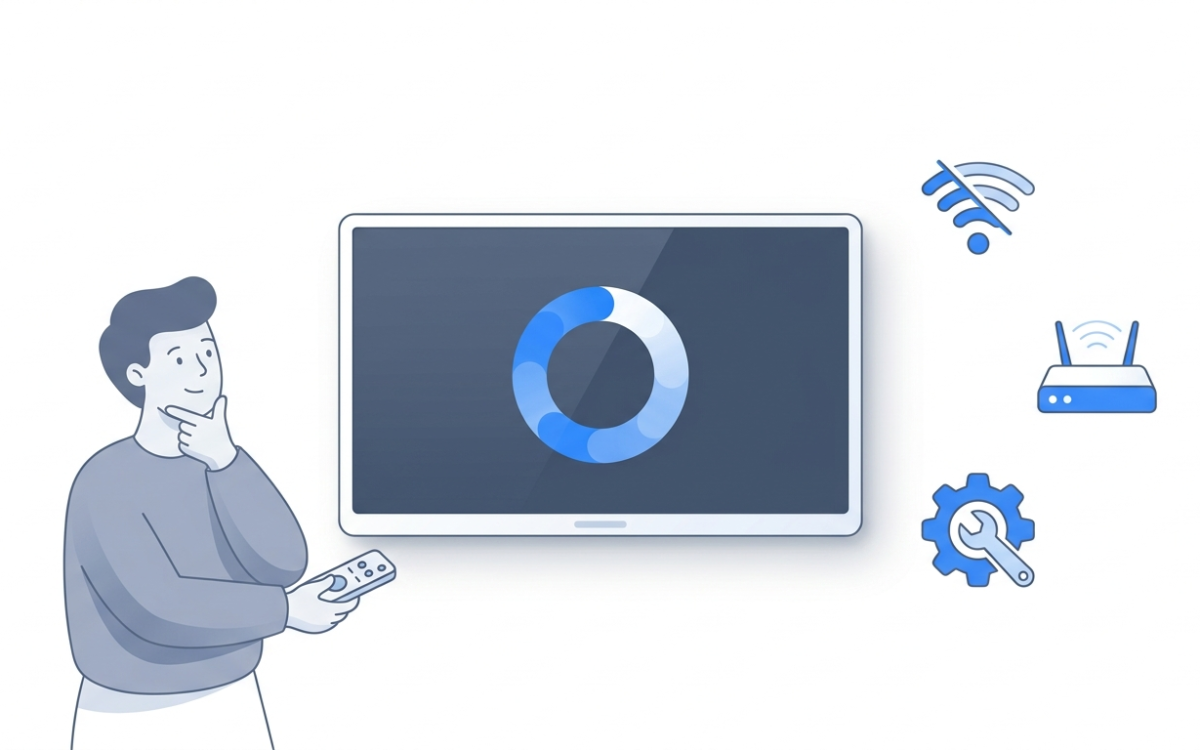
Troubleshooting: Why is my IPTV not working?
If you are currently staring at a completely blank screen, endless buffering circles, or a frustrating network error and constantly asking yourself, “Why is my IPTV not working?”, you are certainly not alone. Experiencing sudden streaming interruptions right in the middle of a highly anticipated live sports game or a gripping blockbuster movie is incredibly frustrating. While premium internet television offers massive advantages and incredible cost savings over traditional cable, it relies heavily on several moving digital parts. When just one of those critical parts temporarily fails, your stream immediately stops.
In this comprehensive 2026 troubleshooting guide, we will deeply explore exactly Why is my IPTV not working. We will break down the most common digital causes—ranging from simple household internet issues to aggressive provider throttling—and provide you with highly actionable, step-by-step fixes to get your premium entertainment back up and running flawlessly in minutes.
Common Causes: Why is my IPTV not working?
Before you begin aggressively changing settings or throwing away your remote control, it is crucial to accurately diagnose the root of the problem. When customers ask, “Why is my IPTV not working?”, the issue almost always falls into one of these four main categories:
1. Home Internet Connection Issues
Streaming high-definition and 4K live television requires a constant, highly stable flow of massive data. If your household Wi-Fi signal is remarkably weak, your router is heavily overloaded with multiple devices, or your internet speed suddenly drops below 25 Mbps, your streaming player simply cannot buffer the video fast enough, leading to massive stuttering and frozen screens.
2. ISP Throttling and Blocking
Many major Internet Service Providers (ISPs) actively monitor user traffic. If they detect heavy video streaming during peak evening hours, they might intentionally slow down (throttle) your connection. In some severe cases, ISPs actively block specific streaming server IP addresses entirely, which is a major reason users loudly ask, “Why is my IPTV not working all of a sudden?”
3. Hardware and Application Cache
Your streaming device (such as an Android box, Amazon Firestick, or Smart TV) has a limited amount of memory. Over time, the specific player application (like IPTV Smarters or TiviMate) accumulates massive amounts of temporary cache data. When this digital memory becomes completely full, the app crashes, freezes, or fails to properly load the channel list.
4. Low-Quality Provider Servers
Sometimes, the harsh reality is that the problem is not on your end at all. If you purchased a suspiciously cheap subscription from an unverified provider, their weak servers might be completely crashing under the heavy traffic of a major sports event. A premium service aggressively invests in advanced anti-freeze technology to prevent this exact scenario.
Step-by-Step Fixes: How to Solve the Problem
If you are still wondering, “Why is my IPTV not working?”, carefully follow these highly effective troubleshooting steps in exact order to quickly restore your service:
- Perform a Hard Power Cycle: Unplug your television, your streaming device, and your internet router directly from the wall outlet. Wait exactly 60 seconds, then plug everything back in. This simple step successfully clears temporary hardware glitches 80% of the time.
- Test Your Speed and Use Ethernet: Run a quick diagnostic test on Speedtest.net to ensure you are receiving at least 30 Mbps. If possible, permanently connect your streaming device directly to your router using a wired Ethernet cable instead of relying on unstable Wi-Fi.
- Clear the Application Cache: Navigate to your device settings, locate your specific streaming player application, and select “Clear Cache.” Do not click “Clear Data,” as this will completely erase your secure login credentials.
- Activate a Reliable VPN: If your ISP is aggressively throttling your speeds or blocking your provider’s servers, activating a secure Virtual Private Network (VPN) will instantly encrypt your traffic, easily bypass the block, and instantly stop the buffering.
Frequently Asked Questions
Why does it only buffer during big sports games?
If you constantly ask, “Why is my IPTV not working during the playoffs?”, it is almost certainly a server-side issue. Cheap providers heavily oversell their server capacity. When thousands of users tune into the same live game simultaneously, their weak servers instantly crash. You desperately need a premium provider with robust server infrastructure.
Do I need to update my player application?
Yes. Outdated software frequently struggles with modern streaming codecs. Always ensure your chosen player application is fully updated to the absolute latest version available in the app store.
Conclusion: Time to Upgrade Your Provider?
If you have carefully followed every single troubleshooting step listed above and you are still frustratingly asking, “Why is my IPTV not working?”, it is highly likely that your current provider is simply providing a terrible, unstable service. You do not have to settle for constant buffering and ruined movie nights.
It is finally time to decisively upgrade to a premium, highly stable entertainment experience. XIPTV aggressively utilizes state-of-the-art anti-freeze technology, ultra-fast servers, and massive bandwidth to ensure a flawless, blackout-free viewing experience. Visit our highly affordable pricing plans today, make the smart switch, and never worry about endless buffering screens again!